NAB Transact Details
Your NAB Transact Login
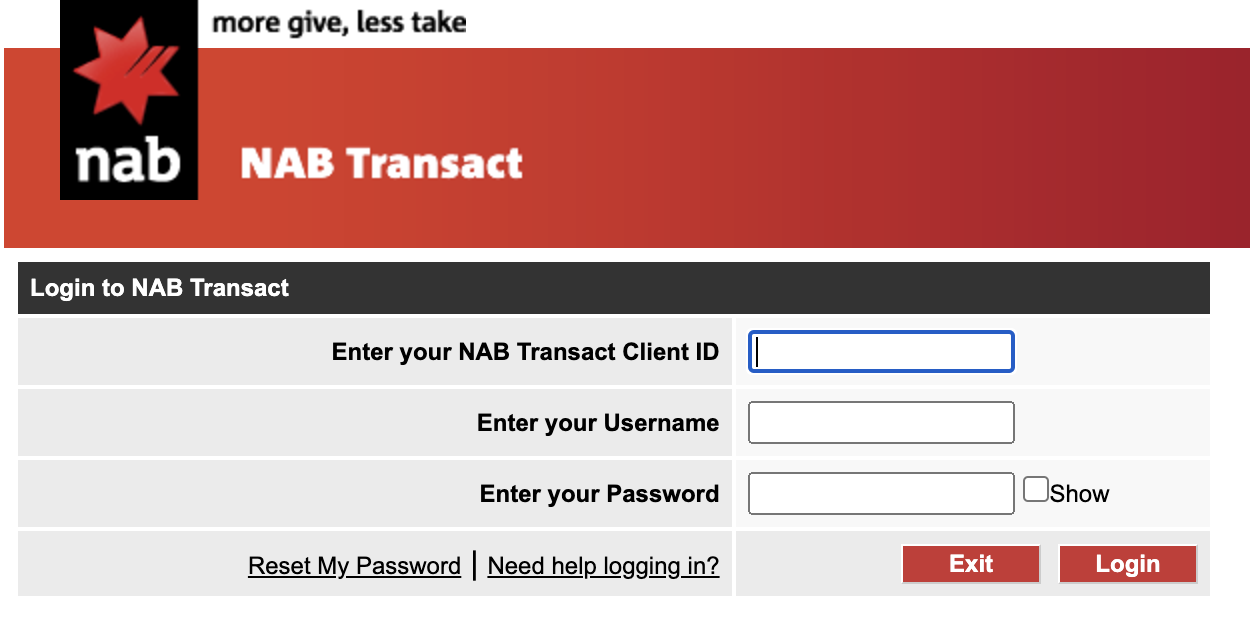
You can access NAB Transact from the login menu on the nab.com.au homepage. Simply select NAB Transact from the drop-down menu, click Login and enter your Client ID, Username and Password.
Client ID:
Username:
Password:
Linking NAB Transact to EnrolHQ
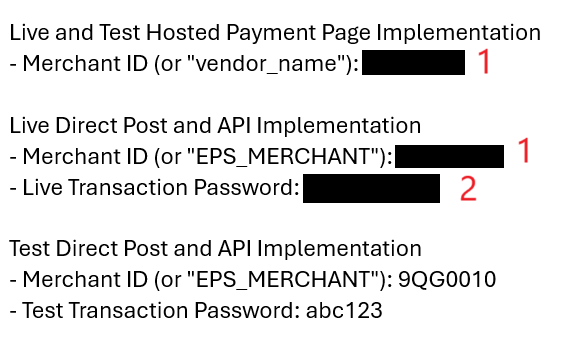
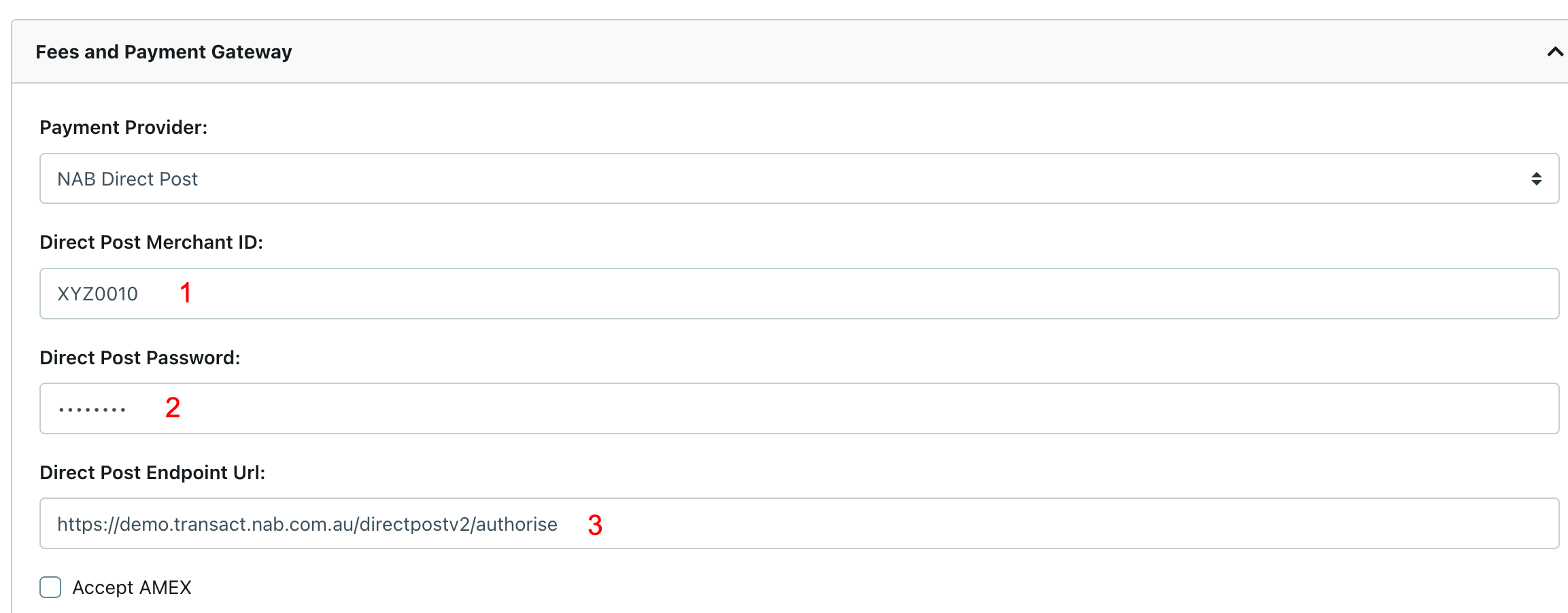
1 - This is the Schools Merchant ID
2 - This is the Live Transaction Password provided by NAB
3 - The live Direct Post Endpoint URL is https://transact.nab.com.au/live/directpostv2/authorise
Place the following details in EnrolHQ > Dashboard > Settings > Payment Settings > Fees and Payment Gateway
More Information
For technical enquiries, please contact the NAB Transact Service Centre on 1300 369 852 option 3,1 or email support@transact.nab.com.au.